
Applications
Advertising screens for products, promotions and information.
Show images, videos and text at the entrance, in the shop window or on the sales floor. KOMPASS signage software lets you design content for portrait and landscape displays. A digital pavement sign is one possible screen format.
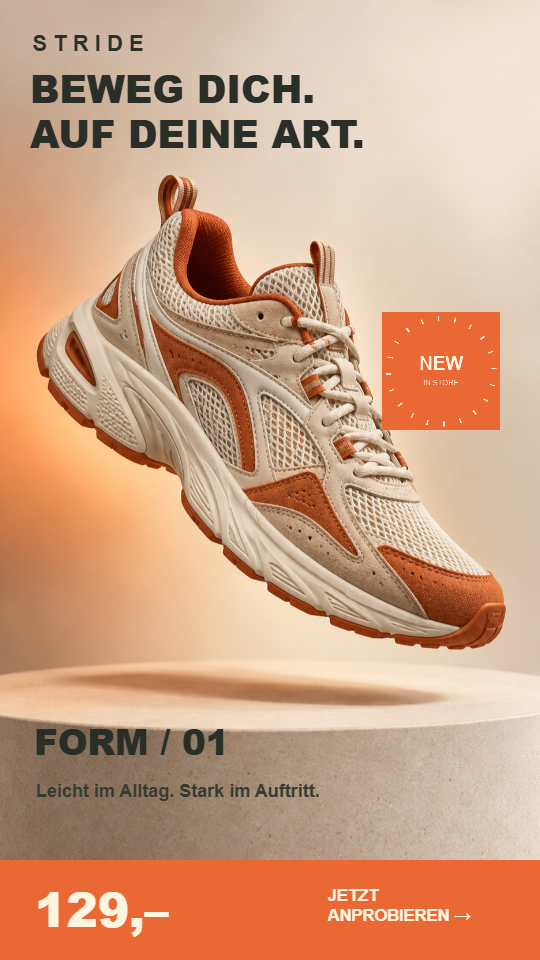
A sequence made from your own media.
Upload photos and videos and arrange them in a media playlist. A product image can be followed by a detail shot and then a notice. The playlist fills either the entire display or one area of it.
Keep information in place or change the entire page.
Opening hours, prices or a schedule can stay visible while other media change alongside them. Use rotating pages for a different arrangement, such as following an overview with a full-size product display.
A popup playlist adds a temporary notice. A Fly image moves through its designated area. Compare these playback types on the software page.
Show planned content at the right time.
Prepare campaigns and daily offers in advance. Scheduling rules limit when a media playlist is active. Individual entries can have a narrower time window, allowing selected afternoon images to join the regular sequence later in the day.
The right content for each screen location.
A portrait screen in the shop window can show different content from a display at the checkout. Format, viewing distance and surroundings influence how much information fits comfortably on screen.
Suitable display hardware is part of our offering. If you already have equipment, tell us the models and media players so we can discuss a setup for your location.
Where will you use your screen?
Describe the location and show us typical images. This helps us discuss a suitable display format and equipment.