Digital Signage.
Your content.
On every screen.

Design and manage content for displays, portrait screens and menu boards with digital signage software by KOMPASS. Manage images, videos and playlists centrally and schedule when they appear.

Managed centrally. Designed your way. Played locally.

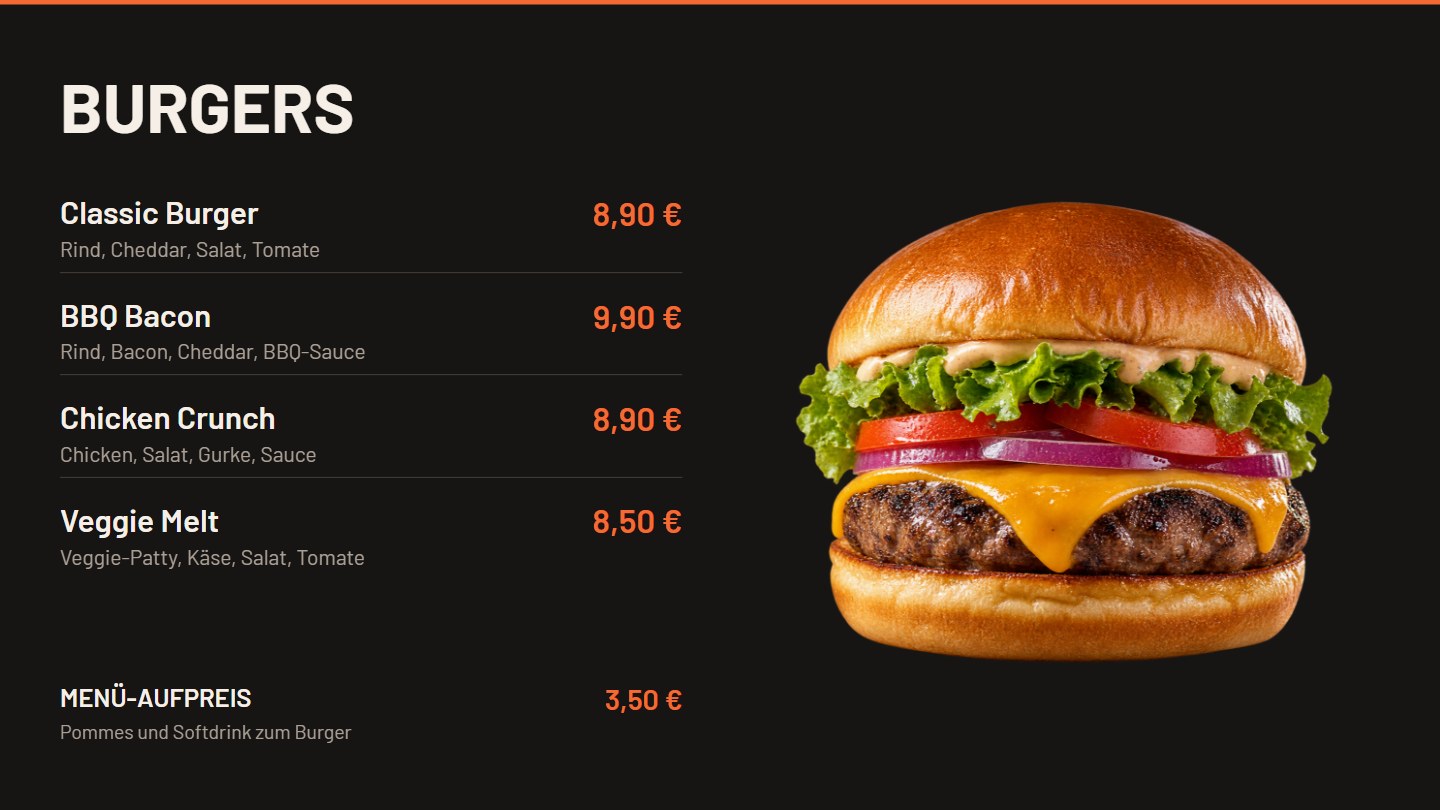
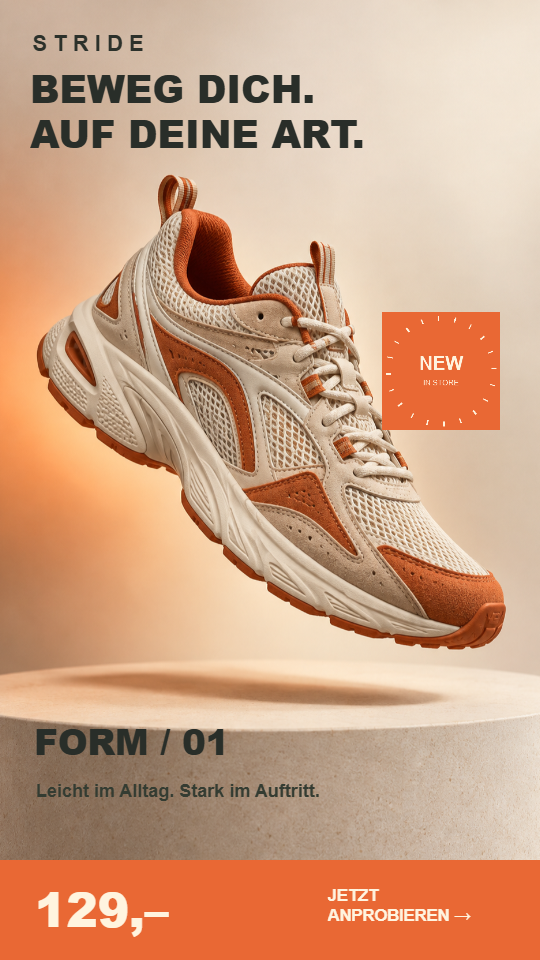
Digital menu board with burgers and current prices Portrait signage with a collection theme

Digital content. Tailored to your location.

For a single screen. Or an entire display concept.
PortraitLandscapeMenu boards

Made for your everyday.

An offer in the shop window. A menu above the counter. The next sauna session. Put your content where it matters.

Portrait display design example for retail
9:16

Digital signage for retail windows.

A new collection in portrait format, a product video, then a weekly offer: switch content on one screen without rebuilding the whole layout each time.

Retail · Shop windows · Showrooms

View retail demo Explore retail displays →
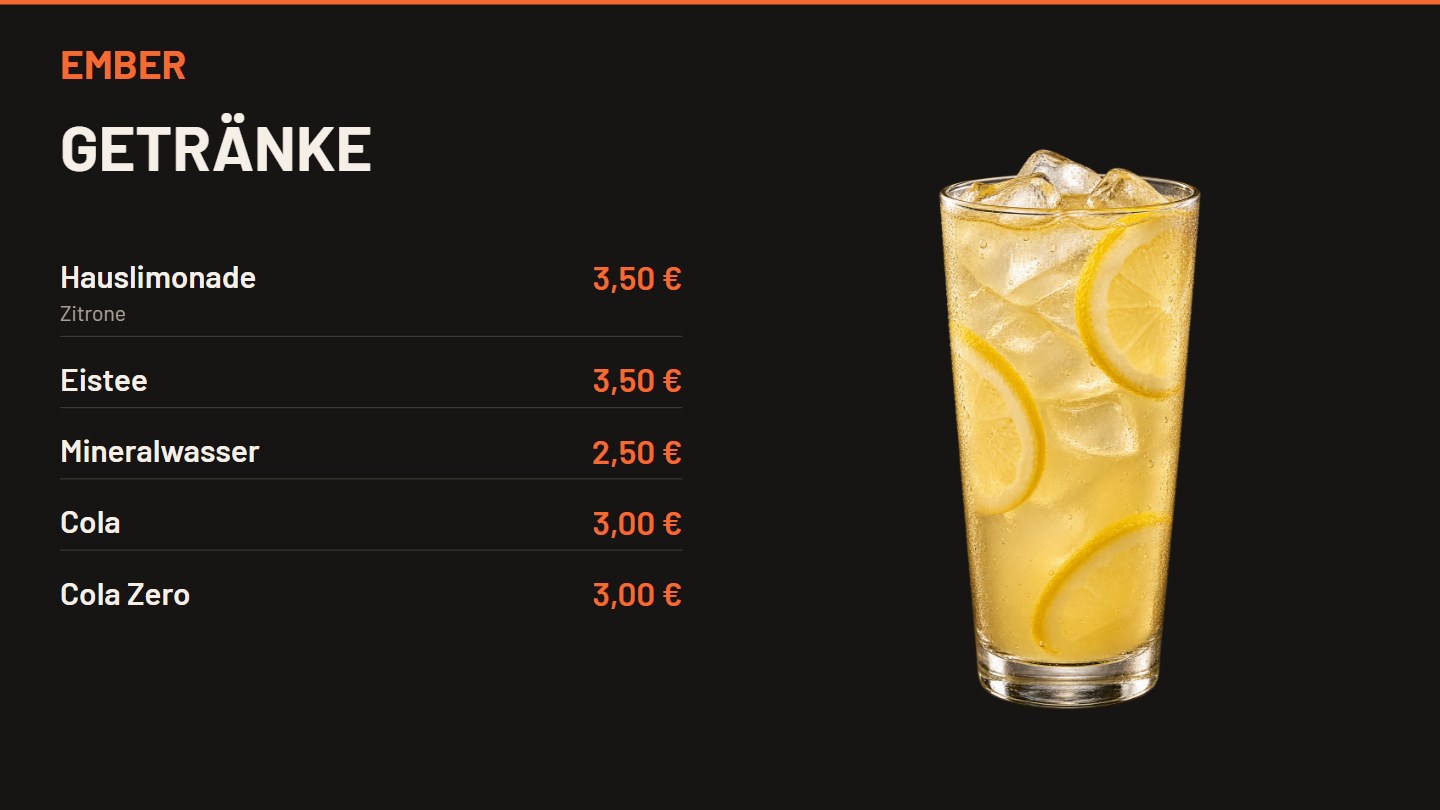
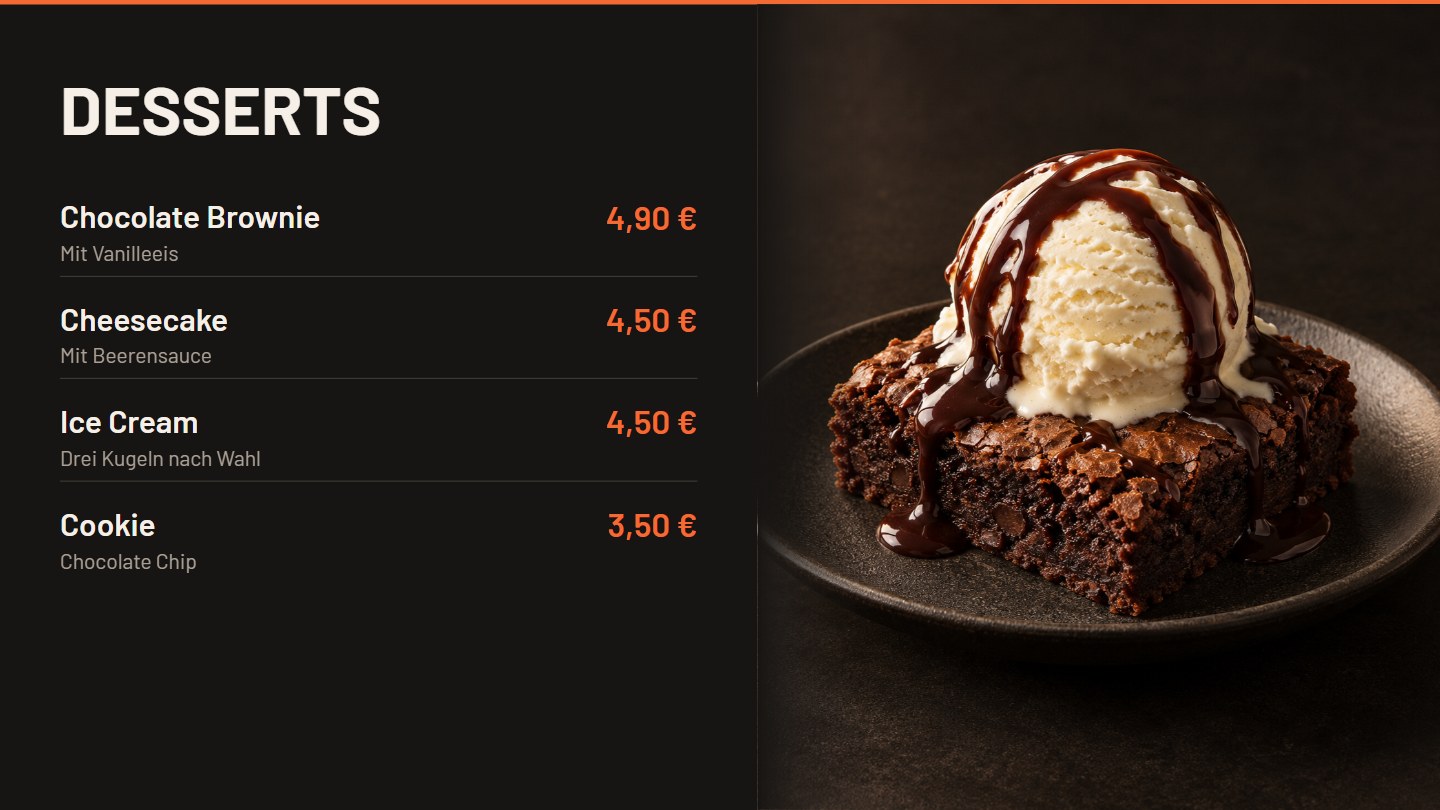
Digital menu boards for hospitality.

Drinks, burgers and desserts across three displays. Individual offers alternate with the menus. Names, descriptions and prices remain editable separately, even when the design spans several screens.

Three running screens with changing menus and product offers.

View menu board
Explore individual displays, menu boards and popups →

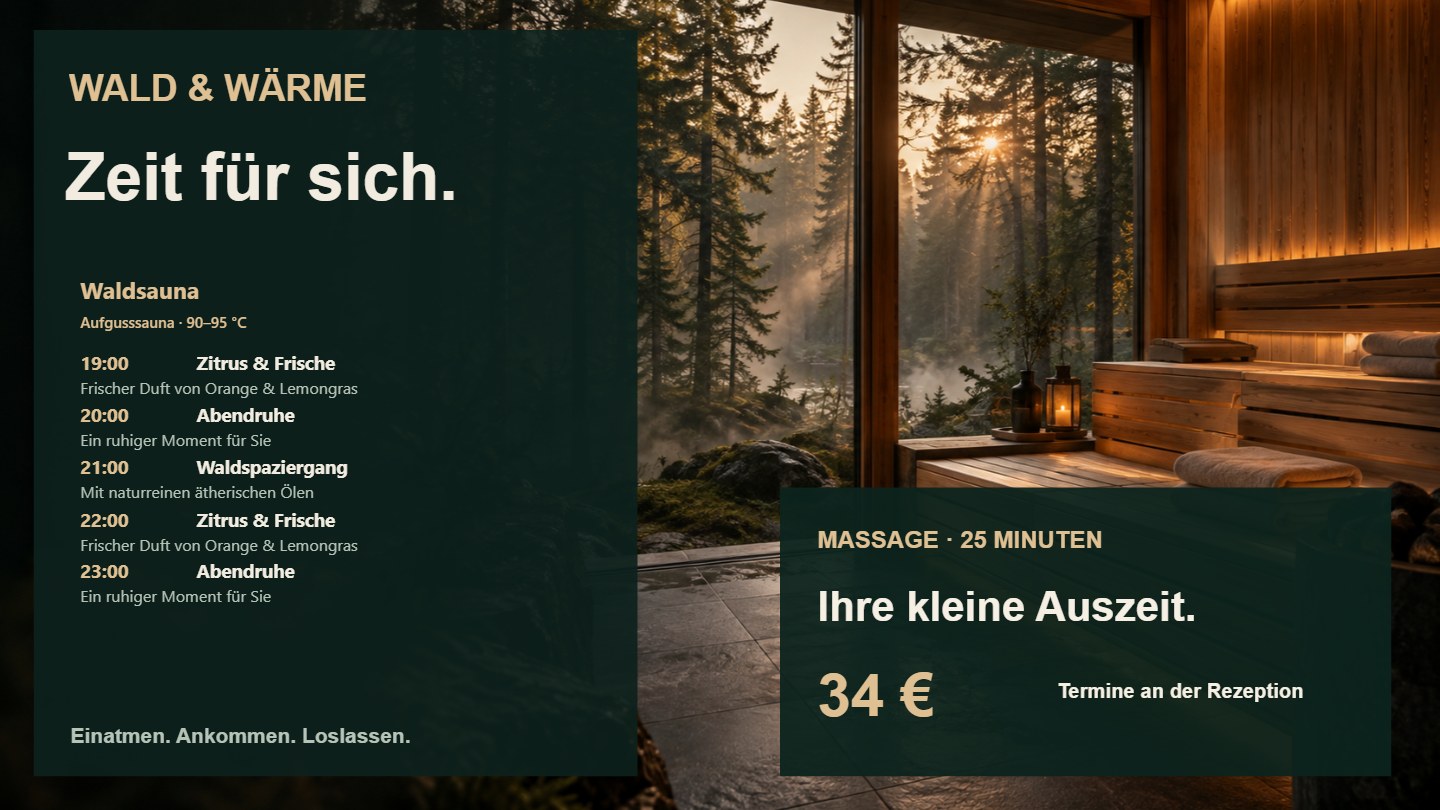
Digital signage for saunas, spas & wellness.

One sauna at its entrance, several in the relaxation area: choose which daily schedules each screen shows. Past sessions disappear; space that becomes available can show suitable images and notices.

Spa & Wellness

View wellness demo Combine sauna schedules and promotions →
Sauna schedule design example
Design example with sample sessions.

Information screens for gyms.

Training times, current notices and the next event: put important information where your members are – at reception, in the waiting area or on the gym floor.

Schedule workshop notices or changes to opening hours for the relevant dates. The notice disappears from the display when that period ends.

Enquire about screens for your gym Explore training schedules and information screens →

Today’s training

16:00
Kids’ training
18:00
Kickboxing
19:30
Boxing

Saturday: Technique workshop

Work on your technique together. Information and registration at reception.

Design example with sample classes and notices.

Design once. Keep your content current.

A new price, a different sauna session or the next promotion: content changes more often than its design. The software connects your screen designer with dedicated editors for lists and schedules. Keep your visual identity while updating the information.

Edit the content that matters
Prices in a price list, sessions in a daily schedule, media in a playlist. Reuse those sources in suitable display layouts.
Control timing and sequence
Individual media items rotate in a playlist; entire designs rotate as pages. Date ranges, weekdays and times determine when content is eligible to play.
Add notices where they matter
Popups add selected images or videos to the running display. Tickers keep short messages visible. On a menu board, fly content can travel across the configured screens.
Combine information and promotions
A schedule does not need the whole screen. Keep sessions or prices visible and use the space beside them for offers, images or videos. A sauna schedule can also select images according to the height that becomes available.
Keep control of the design
Use your own fonts, colours and image areas, freely positioned elements and reusable templates. Work directly on the display with layers, guides, alignment and undo/redo.

Design and manage digital signage centrally.

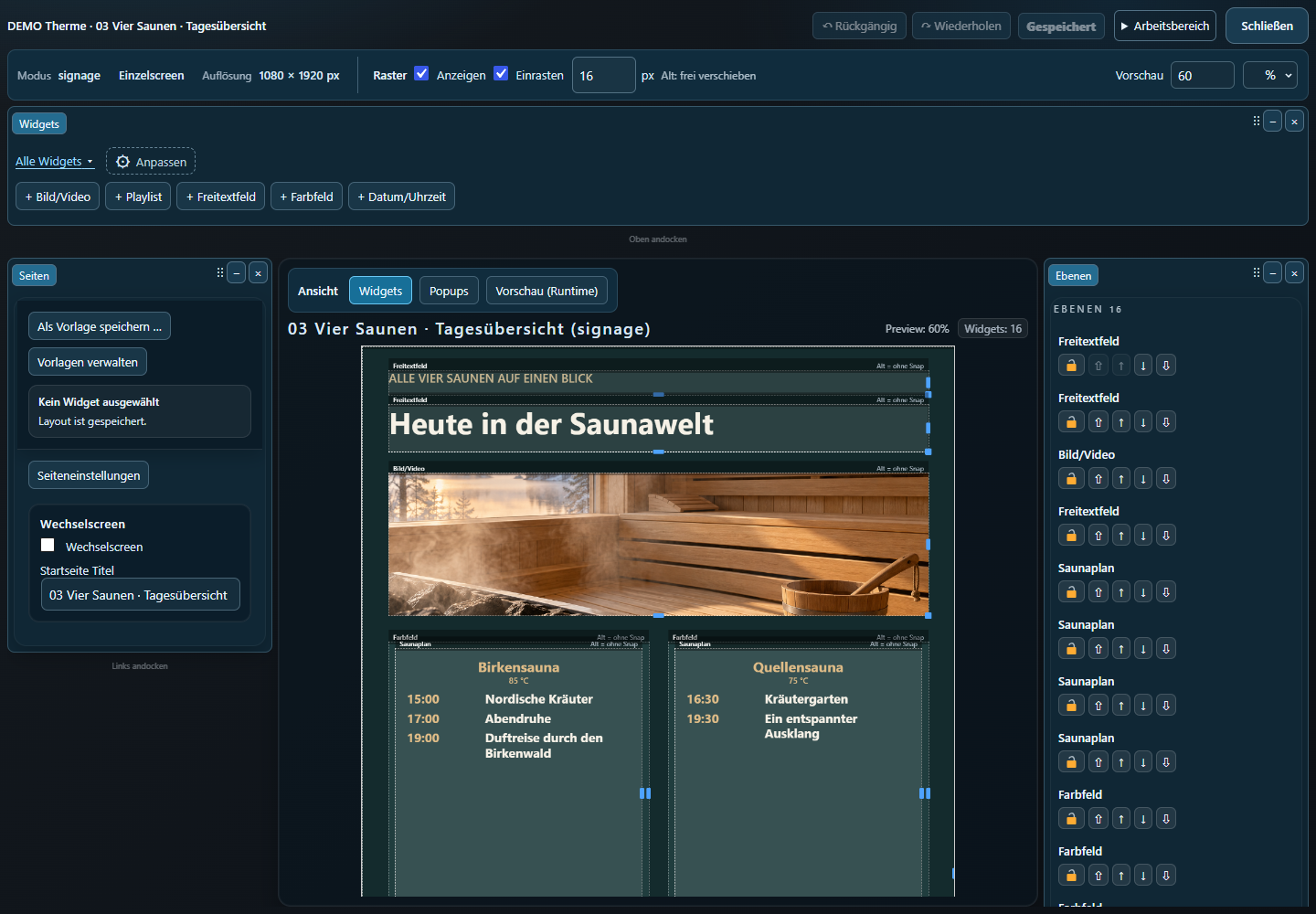
Combine images, videos, text and price lists directly in the screen designer. Use one layout for the entrance, another for the shop window or a menu board: manage content in one place and assign the right view to each display.

Open full-size software view
Screen designer showing a demo sauna layout, editing tools and layers in the German interface.
A look inside the screen designer of the software by KOMPASS: a demo layout in the German interface.

The lunch offer at lunchtime. The promotion until Sunday. Build playlists and choose weekdays, times or date ranges. Your displays follow your schedule.

Change prices. Keep your design.

When a price or product changes, edit its entry in the price list. Fonts, colours and positioning remain part of the layout. There is no need to create a new graphic for every price change.

Software and screens from one provider.

From a single display to a menu board, we help you choose the right screens and software for your content.

Get in touch

Already using our digital signage software? Customer login

KOMPASS Software

How can we help?

Let’s talk about your screens and content.

Send an emailservice@kompass.software Call us+49 (0) 7157 70 555-33 Write to usOpen the contact form