
KOMPASS Software
Digital menu boards for restaurants and cafés.
Show food, drinks and current offers where guests make their choice. KOMPASS signage software combines product images, videos and maintained prices on individual screens or a menu board with several displays.
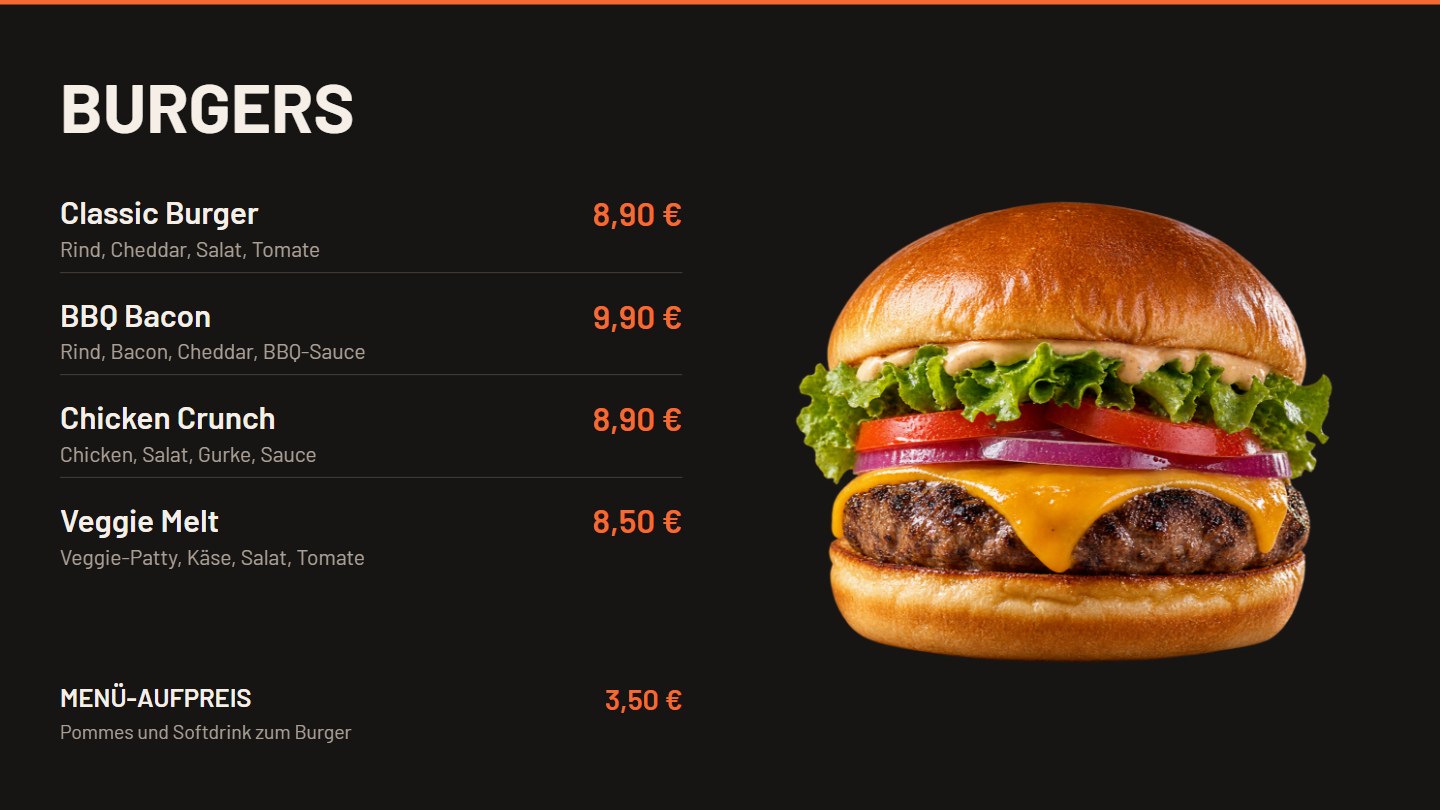
The menu and product images on the same screen.
The menu can stay visible while images and videos from a media playlist change alongside it. To give an offer the entire display, switch between complete pages instead. Each page can have its own display time, letting you balance the overview with individual offers.
Several displays with different roles.
Drinks on the left, food in the centre, desserts on the right: each position can show its own content.
The three-screen example shows individual page sequences within a coordinated design. View the changing displays together in the preview.
Update prices without redrawing the menu.
Product names, descriptions and prices are maintained as product data. The display determines how that information looks. Views linked to the same source use the maintained price, so a price change does not need a new product image with the text built in.
Plan times of day and overlays in advance.
Set weekdays, times or a campaign date range. Scheduling rules can apply to a media playlist, with narrower rules for individual items. Your lunchtime selection can be ready before it is needed.
A popup playlist shows a temporary notice over the main display. A Fly playlist moves an image through a defined area. Both complement the menu without creating a new full page for every notice.
One sequence, several ways to present it.
Try media changes, page changes and overlays. The menu board demo shows three screens with their own page sequences.
Explore products and details.
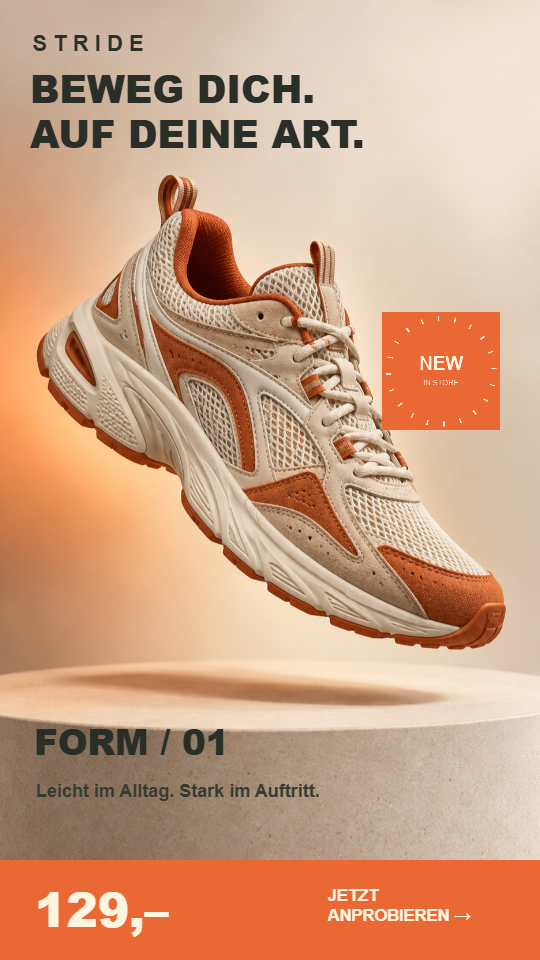 IMAGE · example
EXPLORE PLAYBACK
The information stays. The images change.
A media playlist rotates images and videos in one area. Other information can stay in place.
Start retail previewFrequently asked questions
Does every screen have to show the same content?
No. Menu board positions can have different content. Shared areas can be configured where they suit your design.
Can an offer run only on certain days?
Yes. Scheduling rules limit when it is eligible to play. Individual media items can have a narrower time window, but the parent playlist must also be active.
How will you distribute your menu across the screens?
Let us discuss your products, screen placement and presentation. We offer suitable display hardware alongside the software.